Systematic You
Were you at Ops Ahoy? Tell me about one operations problem you've been wanting AI to help with, and I'll email you my feedback on it. Open through Friday, September 25. Tell me about yours

Ops Ahoy 2026 · Resources from the presentation

How Implementing an AI Chief of Staff Changed My Business

These are the slides from my Ops Ahoy 2026 presentation, each shown with what I said about it. Tap the slide or the arrows to move on. The left and right arrow keys work too. The tools I use are further down the page.

Slide 1: How Implementing an AI Chief of Staff Changed My Business
SLIDE 1 OF 21

How Implementing an AI Chief of Staff Changed My Business

Hi, I'm Dr. Monica Rysavy. I run Systematic You, and I call my AI chief of staff Max.

In this deck, I'll show you how I use it for briefings, writing, analytics and meeting preparation. Then you'll work through an idea for your own business. Before I show you any of that, I'd like you to think about what you're bringing to this topic.

Next slide: Before I show you my setup

Slide 2: Before I show you my setup
SLIDE 2 OF 21

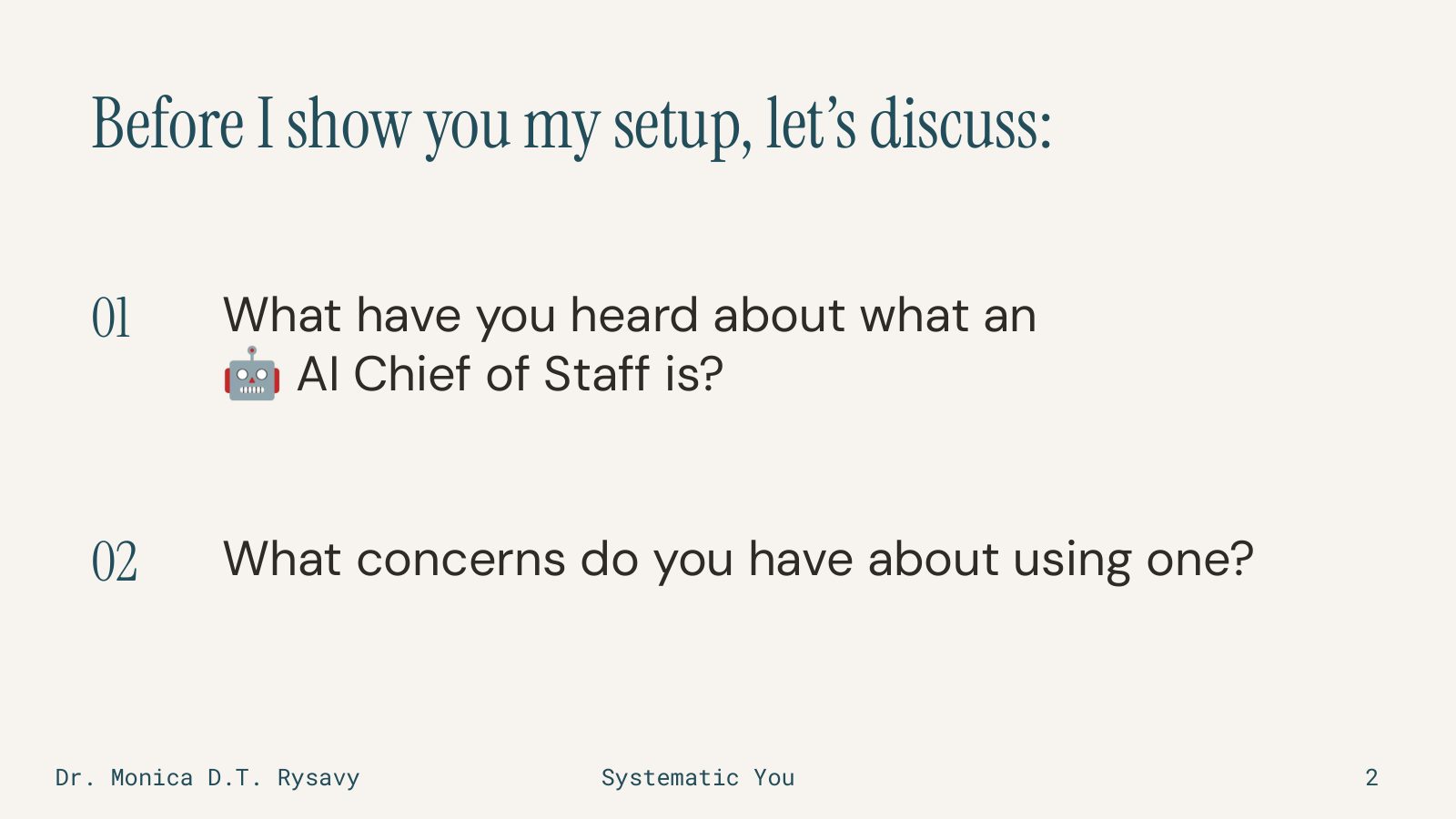
Before I show you my setup

Before you read on, take a moment with these two questions.

What have you heard about what an AI chief of staff is?

And what concerns do you have about using one?

Keep your answers in mind. I'll show you what this looks like in my own work. You'll also see where I still need to make decisions and check what comes back.

First, a little about why I approach AI this way.

Next slide: Why I approach AI this way

Slide 3: Why I approach AI this way
SLIDE 3 OF 21

Why I approach AI this way

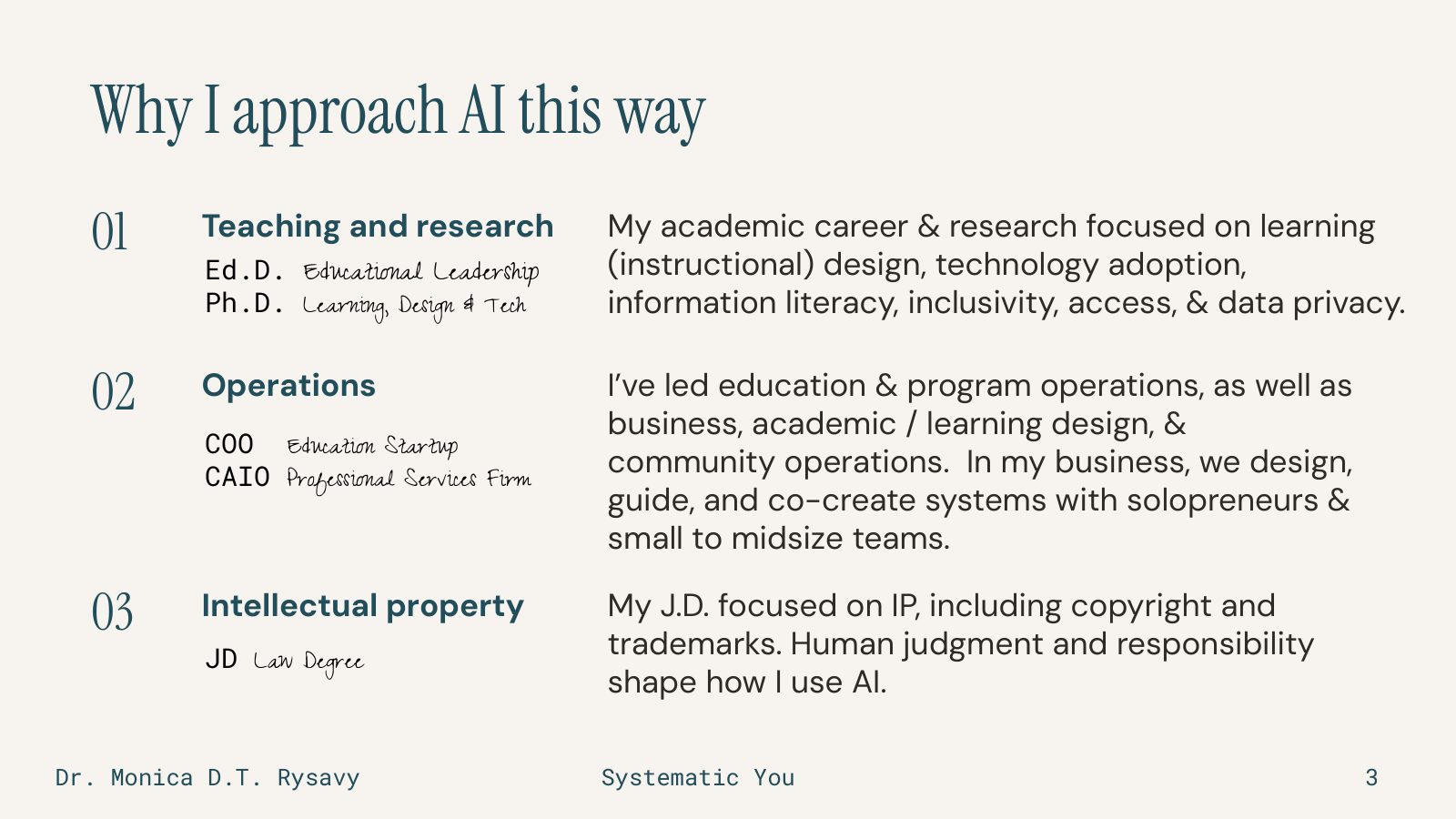
My career began in high school teaching, and I went on to work in higher education and research. And I've collected a few degrees along the way. I've extensively studied how people use technology in their work, and my research covered information literacy and data privacy. I'm specifically passionate about inclusivity and access as it relates to emerging technologies in a variety of settings, but I'm presently exploring this with small business owners.

I've also led education and program operations, worked as a startup chief operating officer at Forte Labs, and was the chief AI officer for a professional services firm. So I've been responsible for the work getting done, for training people on how to do it, and for setting the strategy for the business.

Remember I mentioned I collected degrees? I recently completed a law degree focused on intellectual property, specifically copyright and trademarks. This part of my background in particular, combined with my research and work on data privacy, is part of why I care about whose information we're using, how we are using that information with AI tools, what we can conclude from it and what we can't with certainty, and who ultimately remains responsible for a decision. And I make the case strongly that the responsible person is the user, meaning you, if you're using AI.

I believe in the value of AI. I use it every day. At Systematic You, my husband Peter and I help solopreneurs and small to midsize teams build it into their work while keeping their expertise and human judgment involved.

That includes building something that works for me.

Next slide: I was drowning in details

Slide 4: I was drowning in details
SLIDE 4 OF 21

I was drowning in details

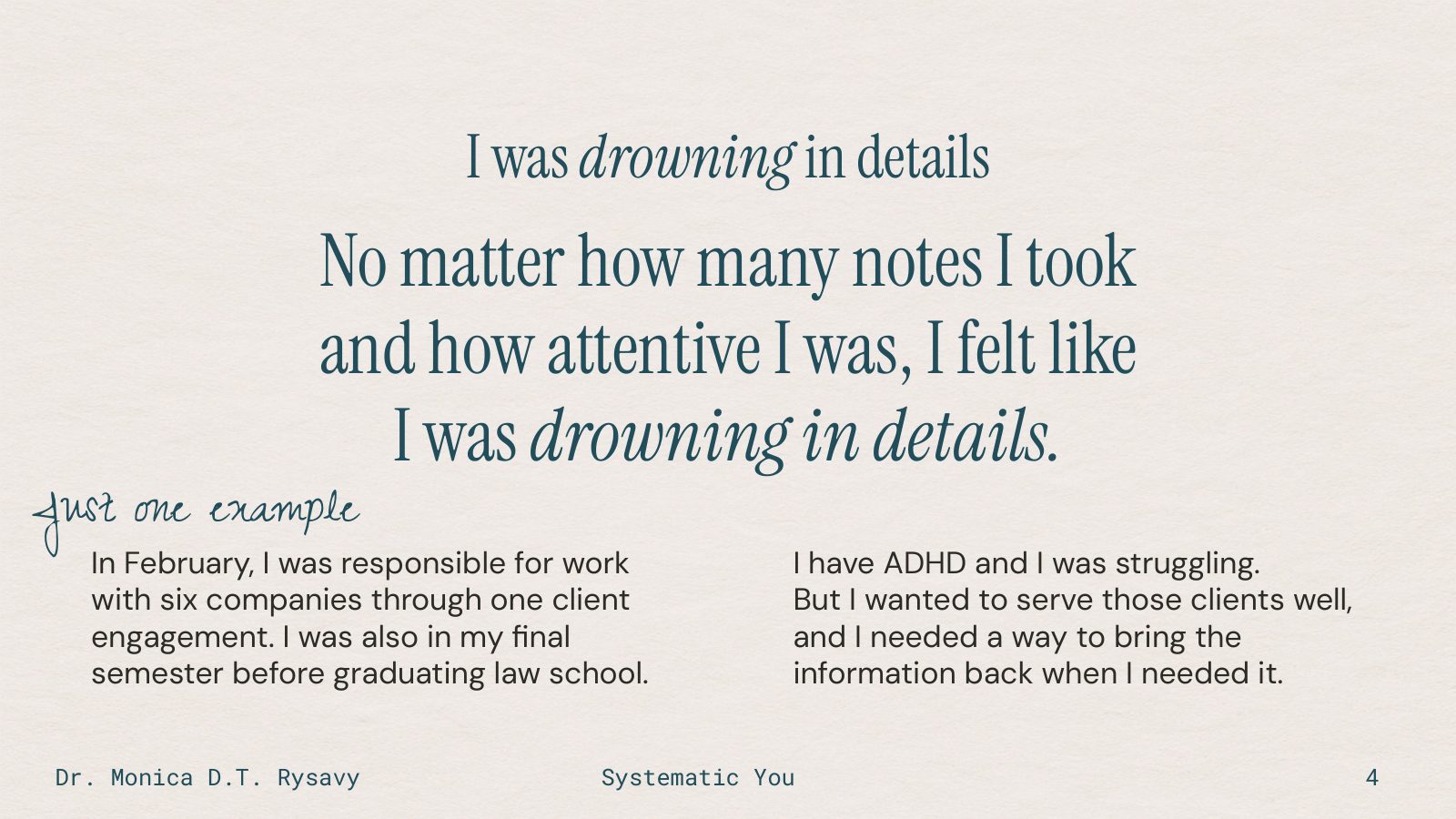
In February, I was responsible for work with six companies through one client engagement. I was also in a heavy semester of law school, my final major work before graduation.

And did I mention I have ADHD? This manifests in many ways for different people, so my experiences do not necessarily look like yours or someone you know, and they definitely don't describe everyone's lived experiences. Here's one small example from my life:

I could be paying attention in a meeting and taking notes, yet still struggle to bring back a particular detail when I needed it on demand during the meeting.

For example, where are we with Company A on X project? That type of question used to make me mentally panic. I had all the notes. I was prepared! And I knew where those notes were, and I had a system for tracking these things. I use a lot of tools, but for me, it's typically Notion.

But across six companies, there was a lot to keep track of. And I struggle with active recall. Specifically, with my short-term memory, which for me means things discussed or read earlier in the day, or sometimes just 30 minutes ago, don't stick that well. This doesn't mean I'm going to forget something you told me 30 minutes ago. Unless it was not interesting to me, and then I quite likely will forget.

But I wanted to serve these six client companies well. I needed a way to bring the information back to me quickly, on demand, in the right context, so I could use it. Taking more notes hadn't resolved that for me.

You'll also see me mention ADHD a lot, and there are a number of reasons for this. The concept of neurodivergence, or living as a neurodivergent person, is still not something that's invited into conversation very often. I know that for the first 20 years of my higher education career I didn't speak about it publicly because I was embarrassed and I was concerned about how other people would think about me if I did. When I moved on to working for an online education company and decided I didn't give a hoot about what people thought about that anymore, I had so many people come up to me and say things like:

"You know what? Because I heard you speak about living with ADHD, it made me have the confidence to start thinking about talking about it or to start sharing with someone in my life that I care about or someone at work."

I mention it especially in talks and in materials like this one, because if there's even one person reading this who feels encouraged to speak up or to help someone else, then that's fantastic.

All of this to say, this is what I was working on when I started building this setup that I call Max.
Next slide: What I mean by an AI Chief of Staff

Slide 5: What I mean by an AI Chief of Staff
SLIDE 5 OF 21

What I mean by an AI Chief of Staff

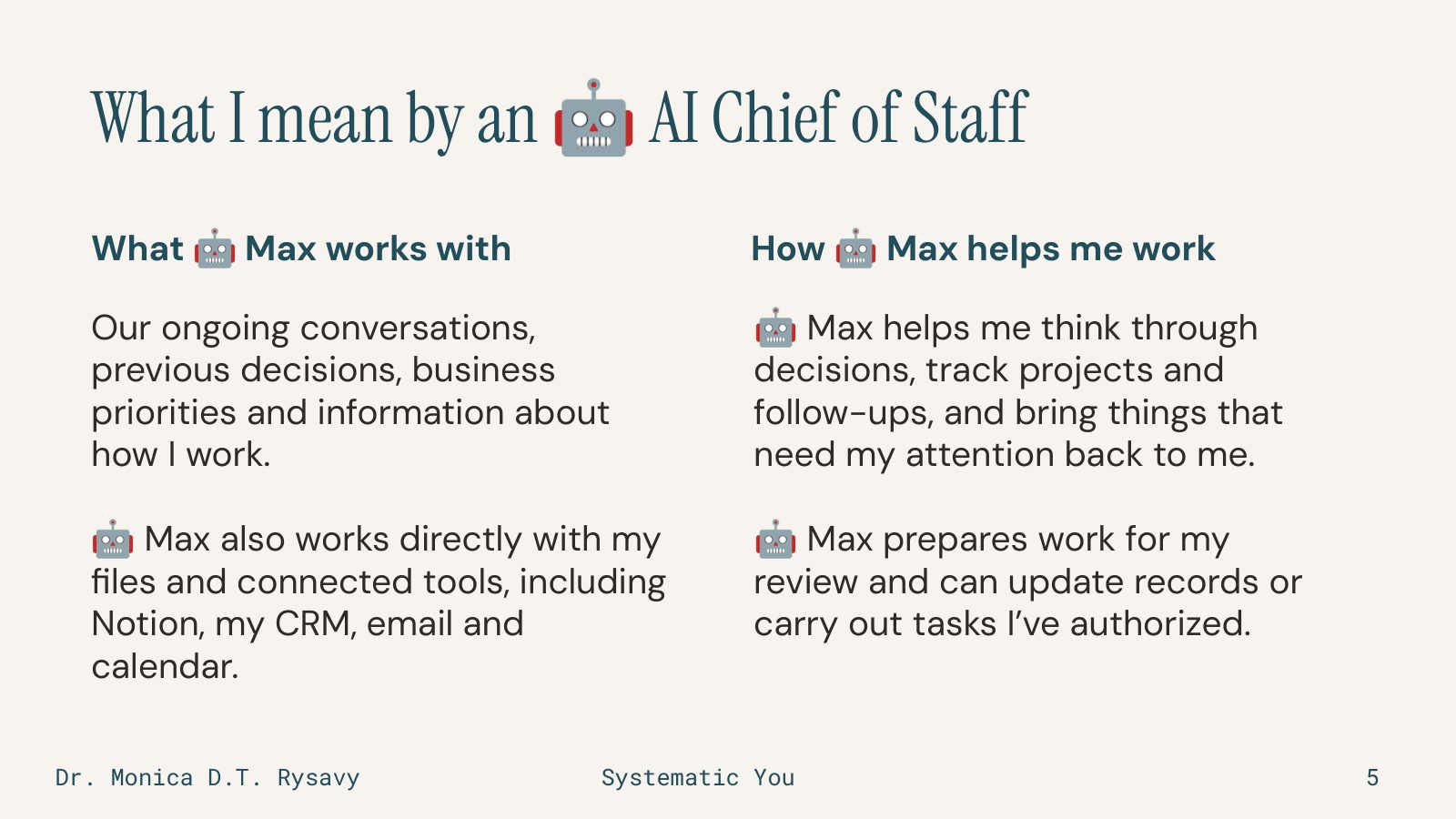
Max is my AI Chief of Staff, a setup I've built around how I work. I primarily use Claude Code. But as you might have guessed, I like tools, so the additional tools occasionally vary. Right now, it's about 80% Claude Code and 15% OpenAI within Codex, with the occasional other tool tossed in to get me to 100%.

Max and I are talking throughout the day about what I'm working on, almost every day. And when I say "talking," I mean voice-to-text. For the most part, I use Wispr Flow. In terms of how Max speaks to me, Max could speak, but I prefer the text because I read faster than I listen. Max uses those conversations alongside my files and context from connected tools to help me think things through and pick up where we left off.

We've built skills and saved instructions for recurring work. Some runs on a schedule; some starts when I ask. I decide what Max can access, what it can do, and when it needs my approval.

When I've given a correction to something Max has done wrong more than one time, we update the instructions and/or memory so Max has clearer directions to follow next time.

If Max repeatedly ignores instructions, which sometimes occurs, I implement something called a hook. A simple explanation for a hook that I like to share is that it's like wearing a scrunchie on your wrist. Every time a specific thing happens, the scrunchie snaps to remind the AI to do it. Those hooks are quite effective.

You can start with one task and records you supply yourself. You don't have to use Claude Code, though I prefer it and I don't code. I know some back-in-the-day HTML and XHTML from when I taught high school students web design in Dreamweaver, but those days have long faded from my skillset.

Let me show you what this looks like in my day to day.

Next slide: A decision waiting in my briefing

Slide 6: A decision waiting in my briefing
SLIDE 6 OF 21

A decision waiting in my briefing

I remember sitting down at my computer in mid-February for the first time and saying, "Hey Max, let's talk about what I'm doing today." Because I'd been recording meeting information and tasks consistently, with the help of Max, my morning briefing finally had something useful to work from.

I remember thinking, "Oh my gosh, this is going to work, and I need to teach as many business owners as I can about it."

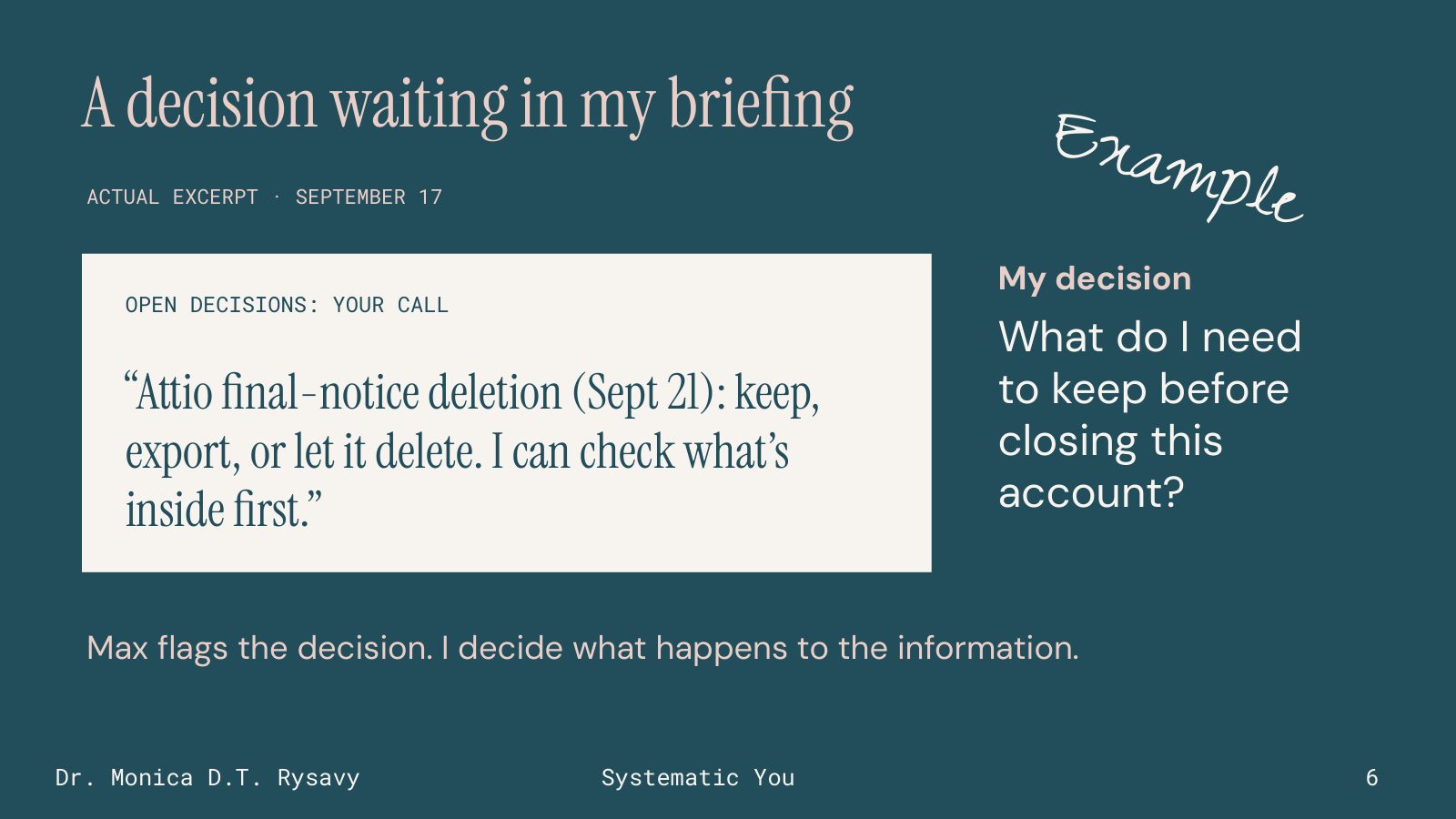
The excerpt on this slide is from my September 17 briefing. Attio is a contact-management tool. There was a pending account-deletion notice, and Max brought the decision back to me: keep the account, export the information, or let it delete. It also offered to check what was inside before we delete. This is not an uncommon thing for me, as someone who works heavily with research and technology. I test a lot of tools, and I don't always remember to cancel them, but emails typically surface to remind me about such things. Max had gone through my email overnight as part of a routine and had presented that to me as an issue I needed to consider.

The question in this example for me is what I need to keep before closing that account. Max has surfaced something I need to decide. I still need to look at the information and make that decision. In other words, the decision wasn't made for me by the technology. The decision was surfaced for me with the context I needed to help me make it.

That's the kind of preparation I want waiting when I sit down. What came in overnight? What can I move forward? What did I forget to do, or choose not to do, that I should have done yesterday or the day before? What are some cool opportunities that I should think about moving forward?

Next slide: The vendor reply was ready for review

Slide 7: The vendor reply was ready for review
SLIDE 7 OF 21

The vendor reply was ready for review

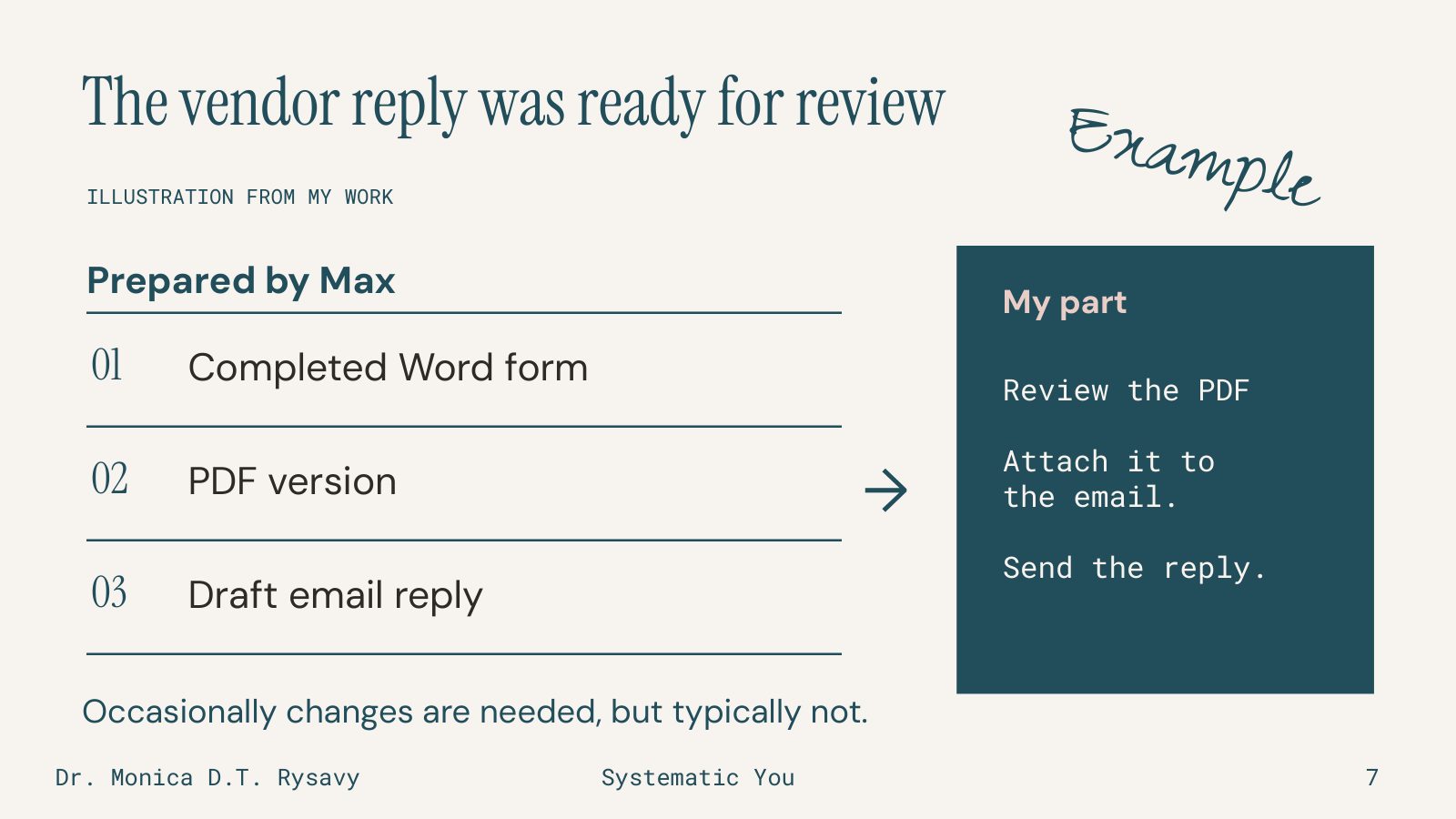
Another example is a vendor who emailed me a Word form to fill out to pay for something.

Max completed the form, prepared a PDF version and drafted the reply. Those steps were already done when I came back to sit down and work on this. I reviewed the PDF, attached it and sent the email myself. I didn't need to make changes that time. Sometimes changes are necessary.

Before this, I could see myself starring that message in my Gmail and leaving it until someone followed up, especially if it didn't have an immediate deadline. Or staring at it in my email, not following up, and missing the opportunity, which has happened to me before.

Having the response prepared gave me something I could review and finish. That's a specific kind of help: prepare the form and reply, then stop for my review.

Next slide: I still have to decide what I can promise

Slide 8: I still have to decide what I can promise
SLIDE 8 OF 21

I still have to decide what I can promise

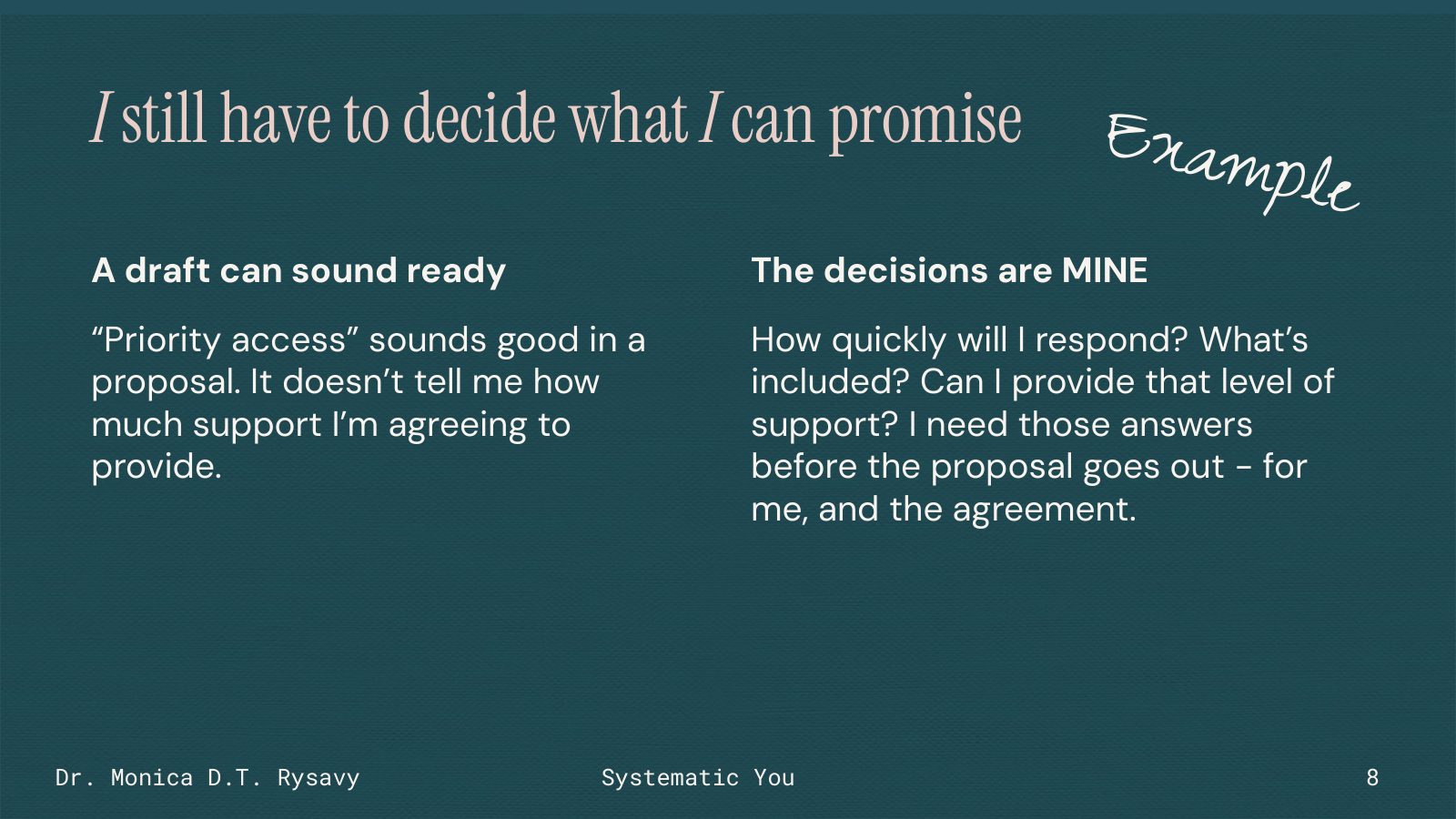
Sometimes a draft sounds ready to go to a client before I've actually read the whole thing through and decided that it's done. I used to say to students, "This looks done, but is it done?" because there's a difference.

Take "priority access," something that I include in some of my contracts with clients. It sounds like a benefit, but what have I actually agreed to? How quickly will I respond? What kinds of requests are included? Can I actually provide that level of support? Do I have the time?

I need to answer those questions before sending the proposal, both for myself and to include it in the agreement.

This is part of what I mean by keeping a human involved. I'm responsible for what I promise a client.

Max can help prepare a draft and help me think through the questions. But I still need to decide what we can offer and whether the proposal accurately describes and documents it.

Next slide: I still edit the draft so it sounds like me

Slide 9: I still edit the draft so it sounds like me
SLIDE 9 OF 21

I still edit the draft so it sounds like me

For writing and content, I give AI some of my own material to work from. My notes and conversations supply the ideas and examples. Saved writing instructions and examples I've approved help guide the draft. Keep in mind that you'll see me say things like "some of my" or "it depends" when I talk about whether I use specific data with AI. That's because it depends on the context, who I'm working with, and what our agreement says. For example, I disclose that I use AI when I work with clients, and that's in an agreement that must be signed before we kick off a contract.

No matter what, though, I follow an extremely important core value and recommend this to all of my clients: read, and fact check, the content before you send it out as a representation of you or your company. It doesn't matter if it's a LinkedIn post or a deliverable that's going to go in front of an investor board. Both need to be fact-checked carefully.

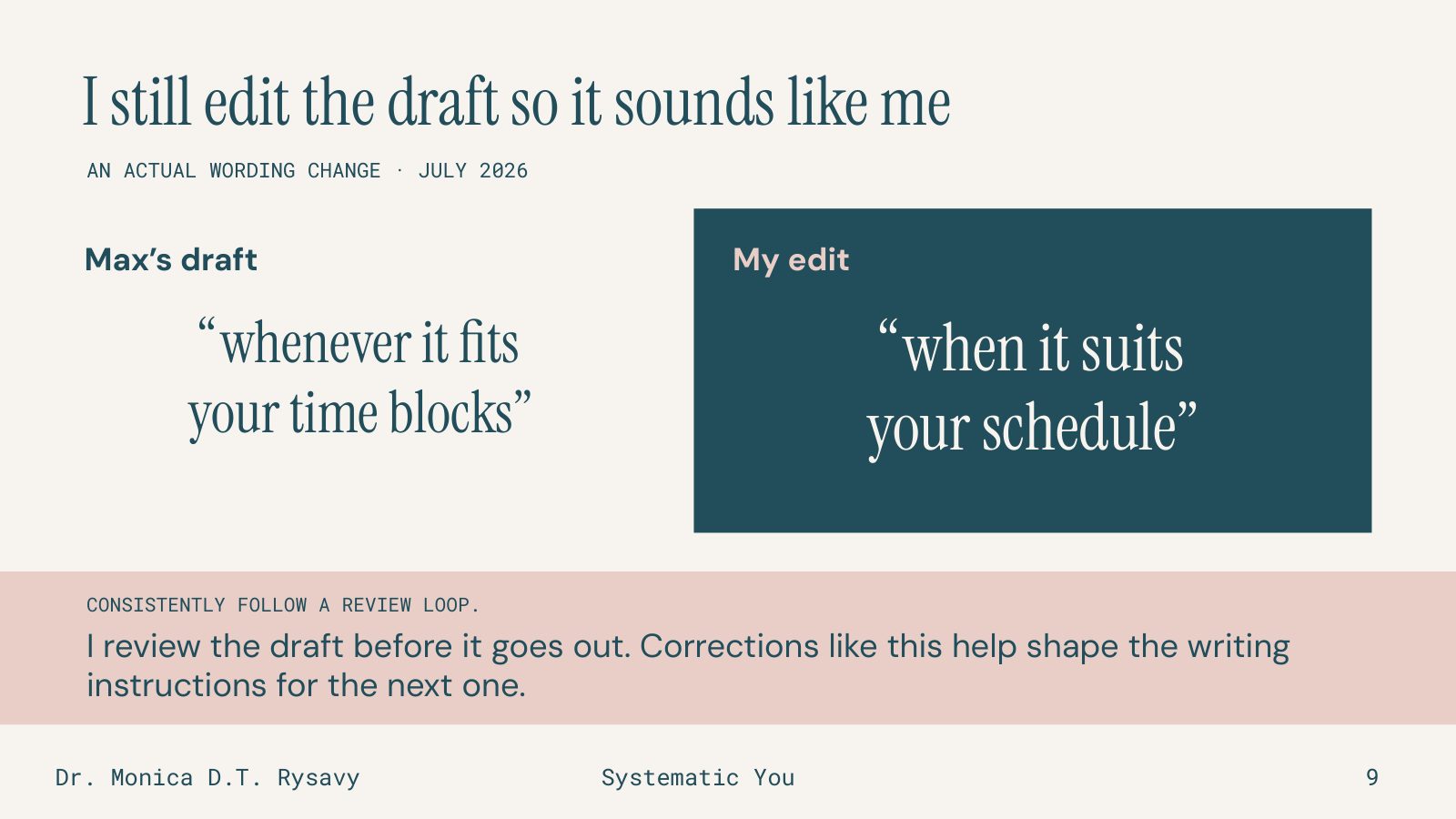
The example on this slide is an actual wording change from July. Max wrote, "whenever it fits your time blocks." I changed it to "when it suits your schedule." I know that this is a very simple change, but it's an example of the type of iterative work I do with my AI systems every day.

The simpler version sounds more like something I'd say. The other does not.

That simple correction was saved with my voice guidance. When I think a correction could come up again, we update the relevant instructions.

That's how I work on content too. The ideas come from my work, and I decide whether the draft actually expresses them. This isn't a presentation about content, but I will say one of my best tips that I love to share is to have your AI interview you. Especially if you can use voice-to-text or just go back and forth in audio mode, you have much better content that way.

Next slide: I used Max to examine who my post was reaching

Slide 10: I used Max to examine who my post was reaching
SLIDE 10 OF 21

I used Max to examine who my post was reaching

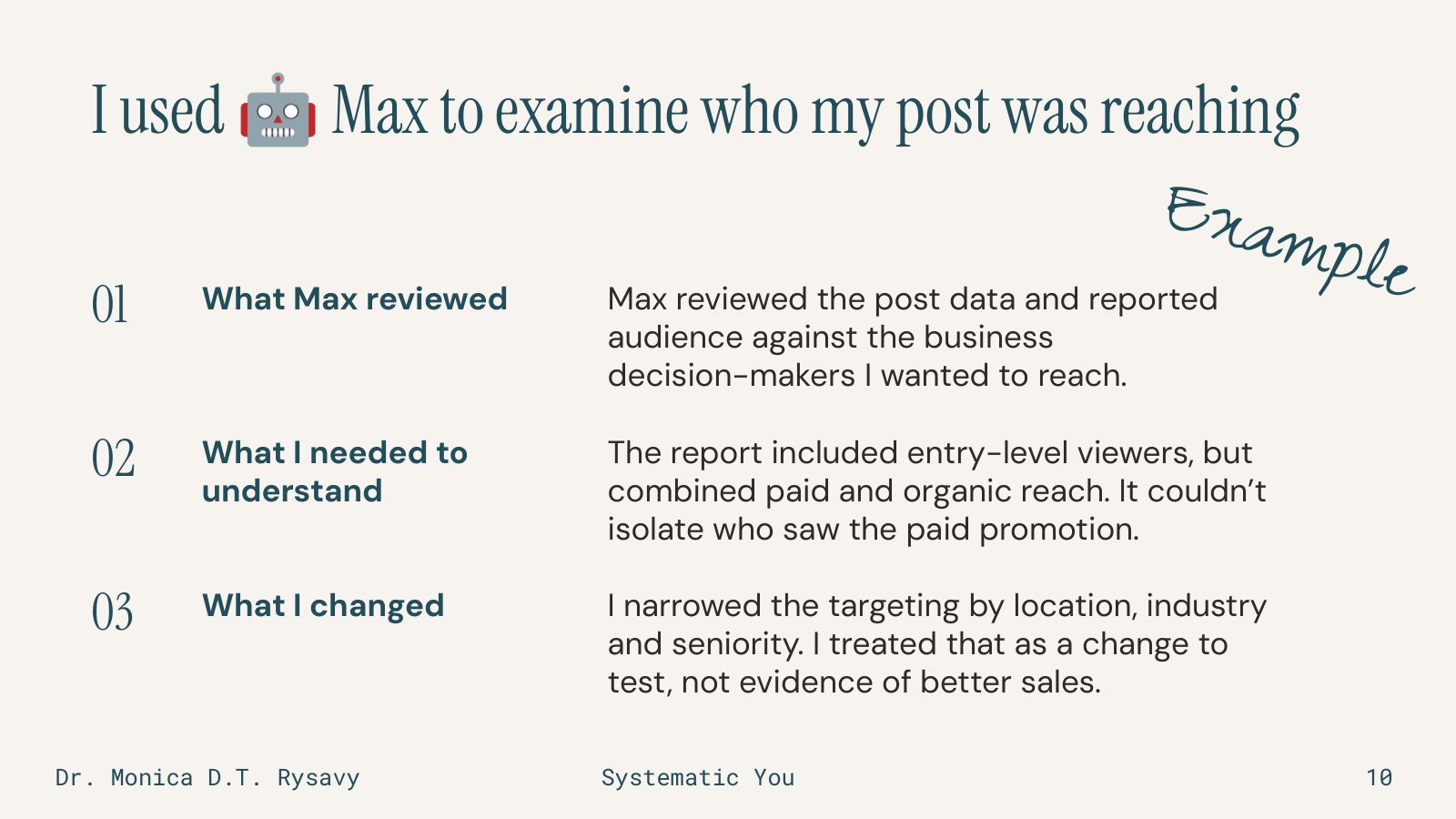
Here's a different kind of help. I'd promoted a LinkedIn post, trying ads for the first time, and I wanted to understand whether it was reaching the business decision-makers I had in mind.

I gave Max the post data and information about the audience settings. It helped me examine the reported audience against who I wanted to reach.

The report included entry-level viewers. But it combined paid and organic reach, so we couldn't isolate who had seen the paid promotion. That limits what we can conclude about the targeting.

I narrowed the targeting by location, industry and seniority. I treated that as a change to test. I don't have a later sales result to attribute to it. That wasn't the purpose of this particular test. I wanted to see how well Max would do with analyzing it. I was able to compare results with a friend who is a subject matter expert in this area, and she agreed with the interpretation and the results, which was great. It also doesn't mean that Max is an ads expert. It means Max is a resource to help me with that.

This brings us back to information literacy, one of my research areas: what does the data actually measure, and does the explanation go further than the data allows? I see that a lot, especially on social media, when someone shares something they observed once and turns that into something that clearly always occurs. Or worse, examples where AI shared with someone that something must have occurred at one point somewhere, and then it turns into proof that this happens everywhere, all of the time.

Again, in this example Max helped me look at the information. But I still had to decide what to do with it.

Next slide: I can pick up where we left off

Slide 11: I can pick up where we left off
SLIDE 11 OF 21

I can pick up where we left off

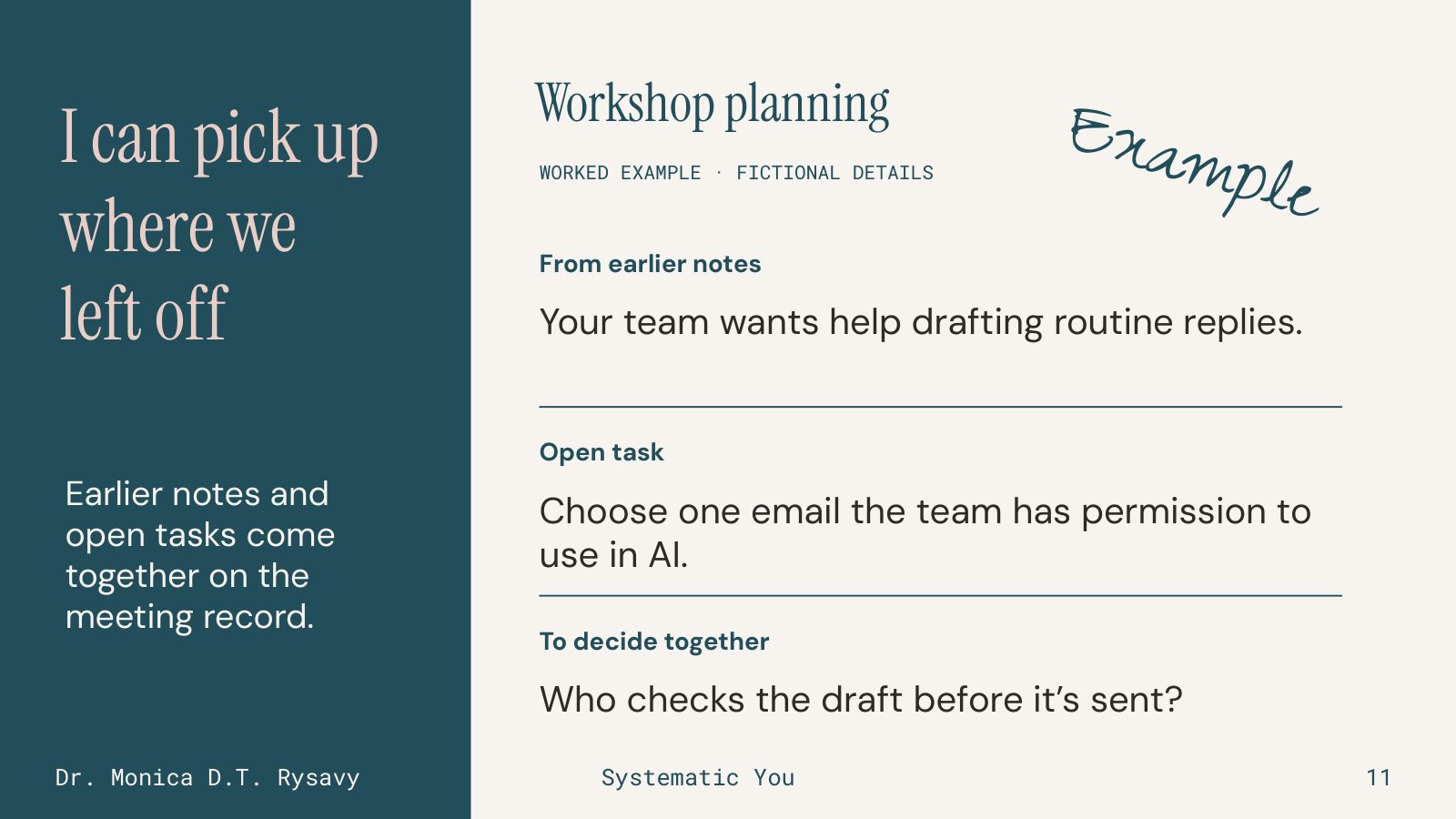
For project work, I want to come back to a meeting knowing where we left off.

This workshop example has fictional details. It uses the structure of my actual meeting preparation so you can look at it without seeing a client's information.

The earlier notes tell me that the team wants help drafting routine replies. The open task is to choose an email they have permission to use in AI. And there's a question for the conversation: who will check the draft before it's sent?

In my own setup, that preparation lives on the existing meeting record, connected to the person, company and engagement. I can add my notes there too. I use Notion for this.

When I open the record, I have the earlier context and open work together. I can use the meeting to move the work forward.

Think about your next meeting. What would you want in front of you before it begins?

Next slide: I use corrections to improve the instructions

Slide 12: I use corrections to improve the instructions
SLIDE 12 OF 21

I use corrections to improve the instructions

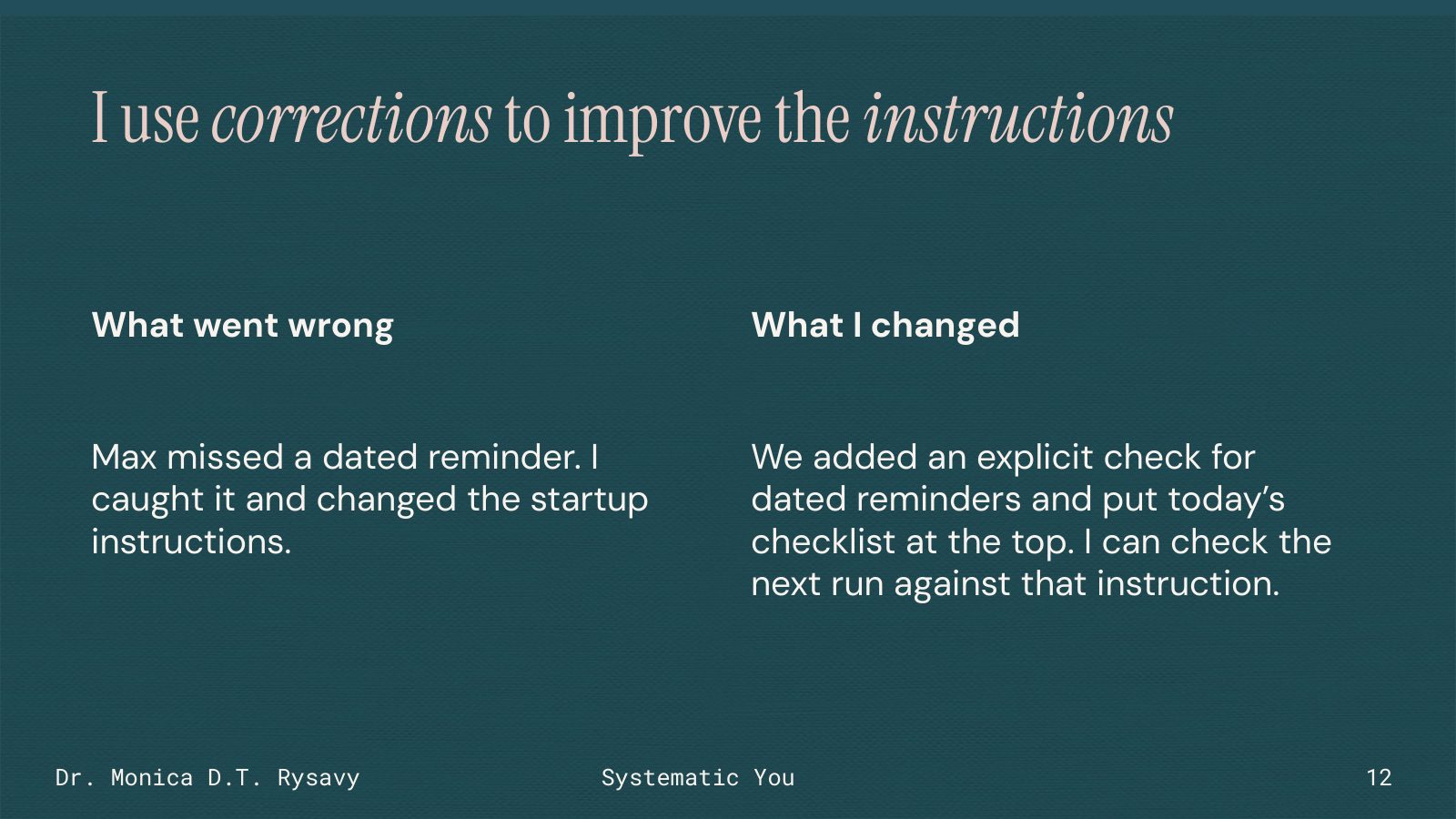
Sometimes Max misses things. In one case, Max missed a dated reminder that should have appeared that day. I caught it.

We changed the startup instructions to explicitly check dated reminders and put today's checklist at the top.

Having the reminder somewhere in the history hadn't been enough. I needed the instructions to say where to look and how to surface it.

That gives me something specific to check on the next run. I need to see whether the correction worked before I rely on it.

Next slide: I want people to understand what they're building

Slide 13: I want people to understand what they're building
SLIDE 13 OF 21

I want people to understand what they're building

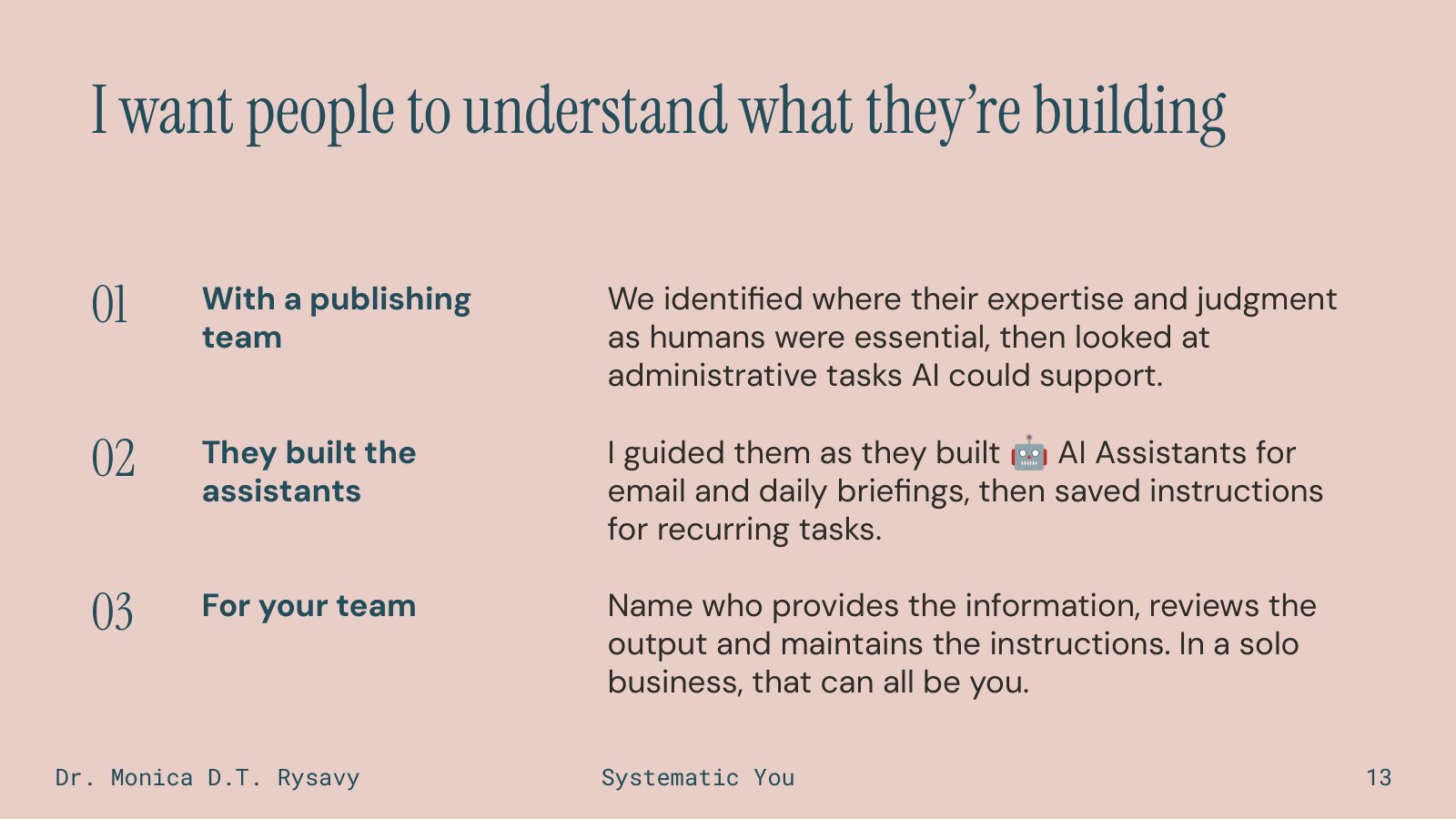
This summer, I worked with a publishing team. We started by identifying where their expertise and judgment were essential, then looked at administrative work AI could help prepare.

I guided them as they built their own AI assistants for email and daily briefings and saved instructions for recurring tasks.

My teaching background is a big part of how I approach that work. I want people to understand what they've built, know how to check it and be able to keep developing it.

With a team, that means deciding who provides the information, who reviews the output and who maintains the instructions when the work changes. In a solo business, all of those roles may belong to you.

Those responsibilities need to be clear. They're part of making the assistant useful in the work people actually do.

Next slide: What changed in my work

Slide 14: What changed in my work
SLIDE 14 OF 21

What changed in my work

So what changed in my business?

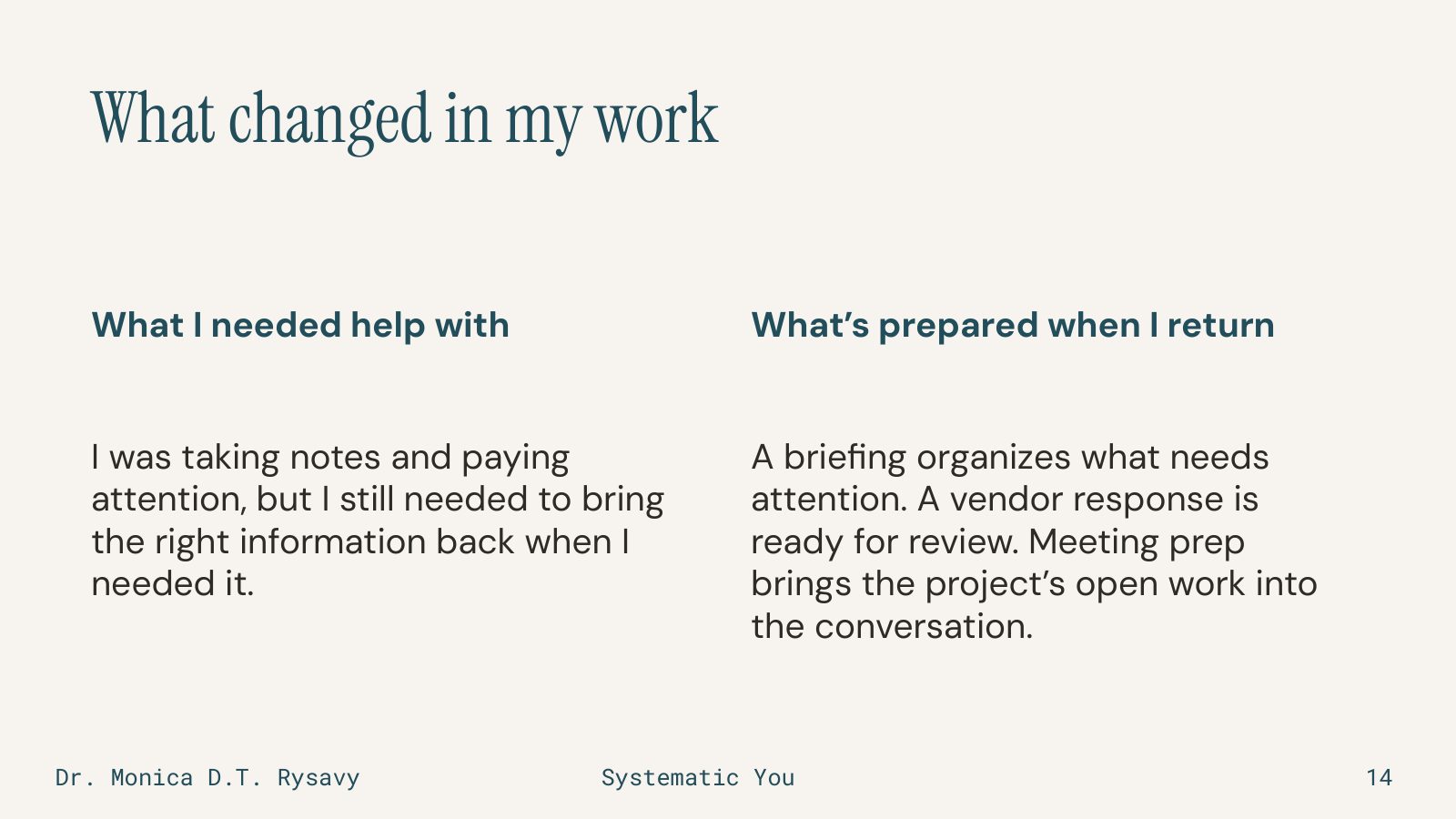
I can come back to work with the information assembled or a draft prepared. A briefing brings back what needs attention. A vendor response is ready to review. Meeting prep brings the project's open work into the next conversation.

I was already taking notes and paying attention. Now I have a way to bring that information back when I need it.

I still need to review the work and decide what happens next. The setup also takes attention to build and maintain.

These are the changes I can show you. Now let's look at what you might want prepared in your own business.

Next slide: Four questions I'd use to plan your first task

Slide 15: Four questions I'd use to plan your first task
SLIDE 15 OF 21

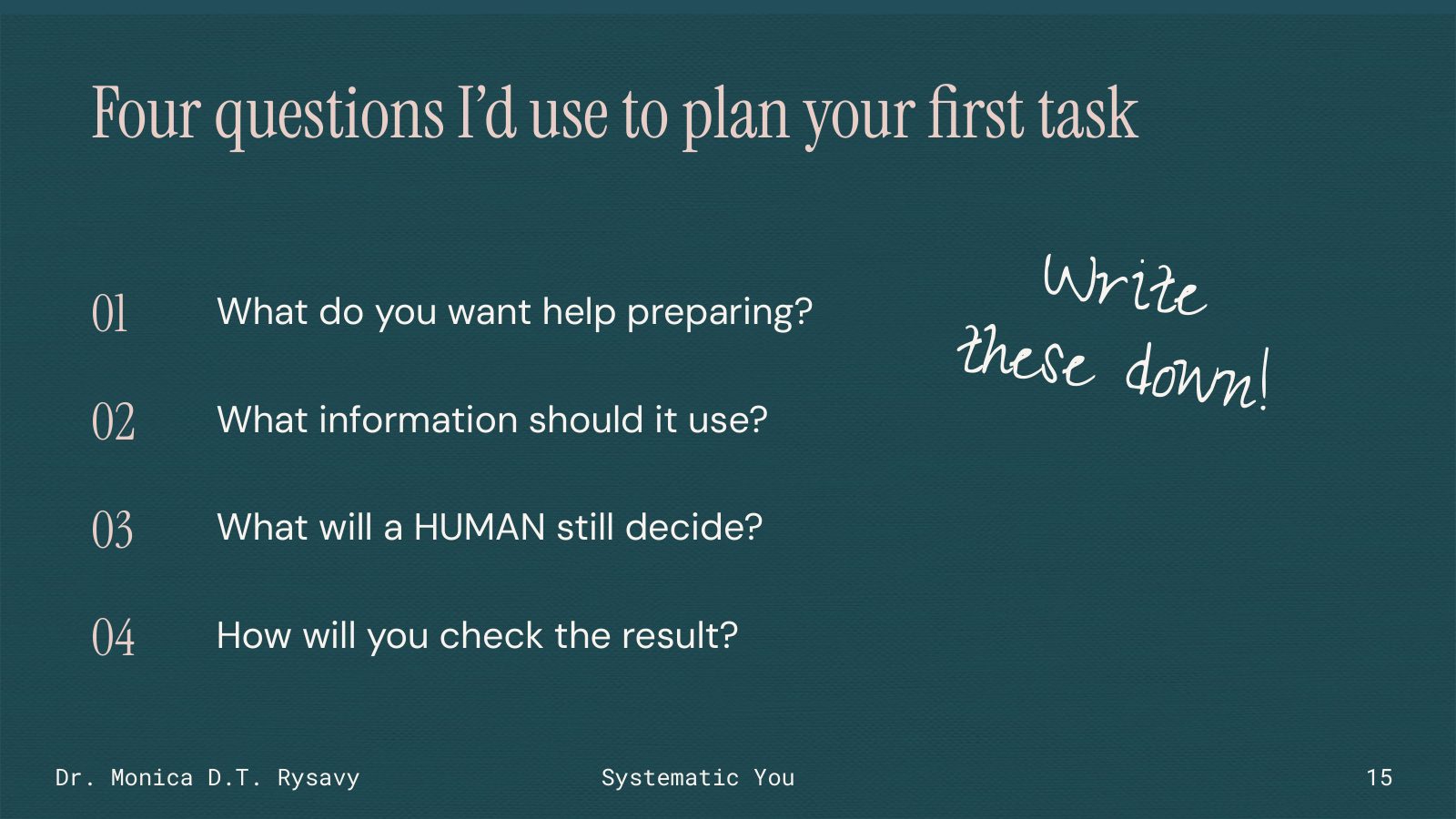
Four questions I'd use to plan your first task

I'd start with a recurring task you understand well enough to evaluate.

What do you want help preparing? Be specific about what would be ready at the end.

What information should it use? Think about the records you would look at yourself.

What will a person still decide? Name the part that needs your judgment or approval.

And how will you check the result? You need a way to compare it with the original information and decide whether it's useful.

The next two slides go through one meeting example and how to check it, and then you'll write down your own idea.

Next slide: A first experiment: prepare for one meeting

Slide 16: A first experiment: prepare for one meeting
SLIDE 16 OF 21

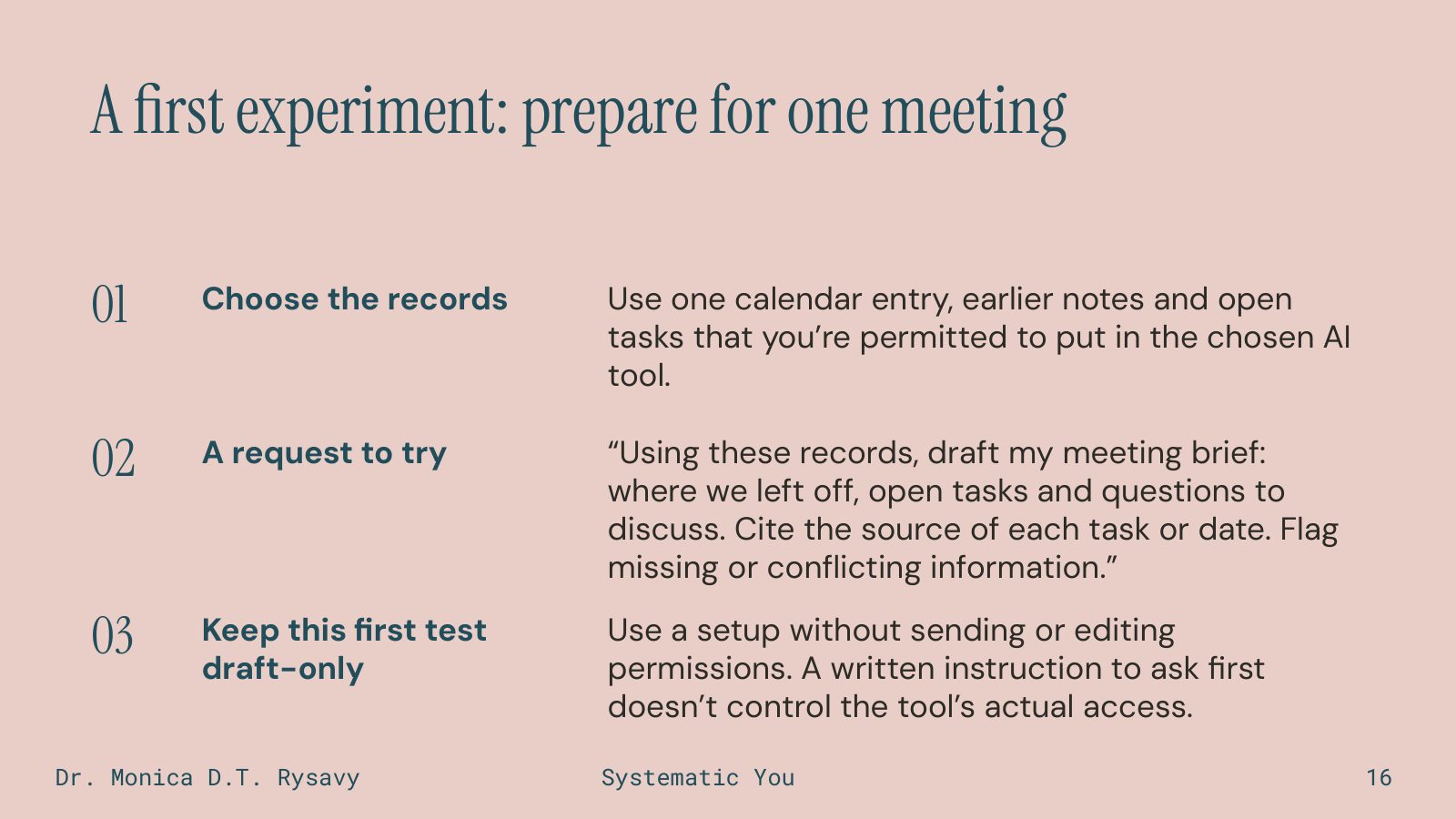
A first experiment: prepare for one meeting

For a first experiment, choose one meeting. Gather the calendar entry, earlier notes and open tasks that you're permitted to use in your chosen AI tool.

You can supply those records manually. You don't need to connect your whole calendar, inbox or task system to try this.

Here's a complete request you could start with:

"Using these records, draft my meeting brief: where we left off, open tasks and questions to discuss. Cite the source of each task or date. Flag missing or conflicting information."

That tells it what to prepare and gives you a way to check the details against the records.

Keep this first test draft-only. Use a setup without permission to send messages or edit your records. Writing "ask me first" in a prompt doesn't change the access the tool actually has.

Before you supply information, check that your use of the tool and those records is allowed. If you can't use real records for the test, make a small fictional example that you can check.

Then look closely at what comes back.

Next slide: Try it once and compare it with the records

Slide 17: Try it once and compare it with the records
SLIDE 17 OF 21

Try it once and compare it with the records

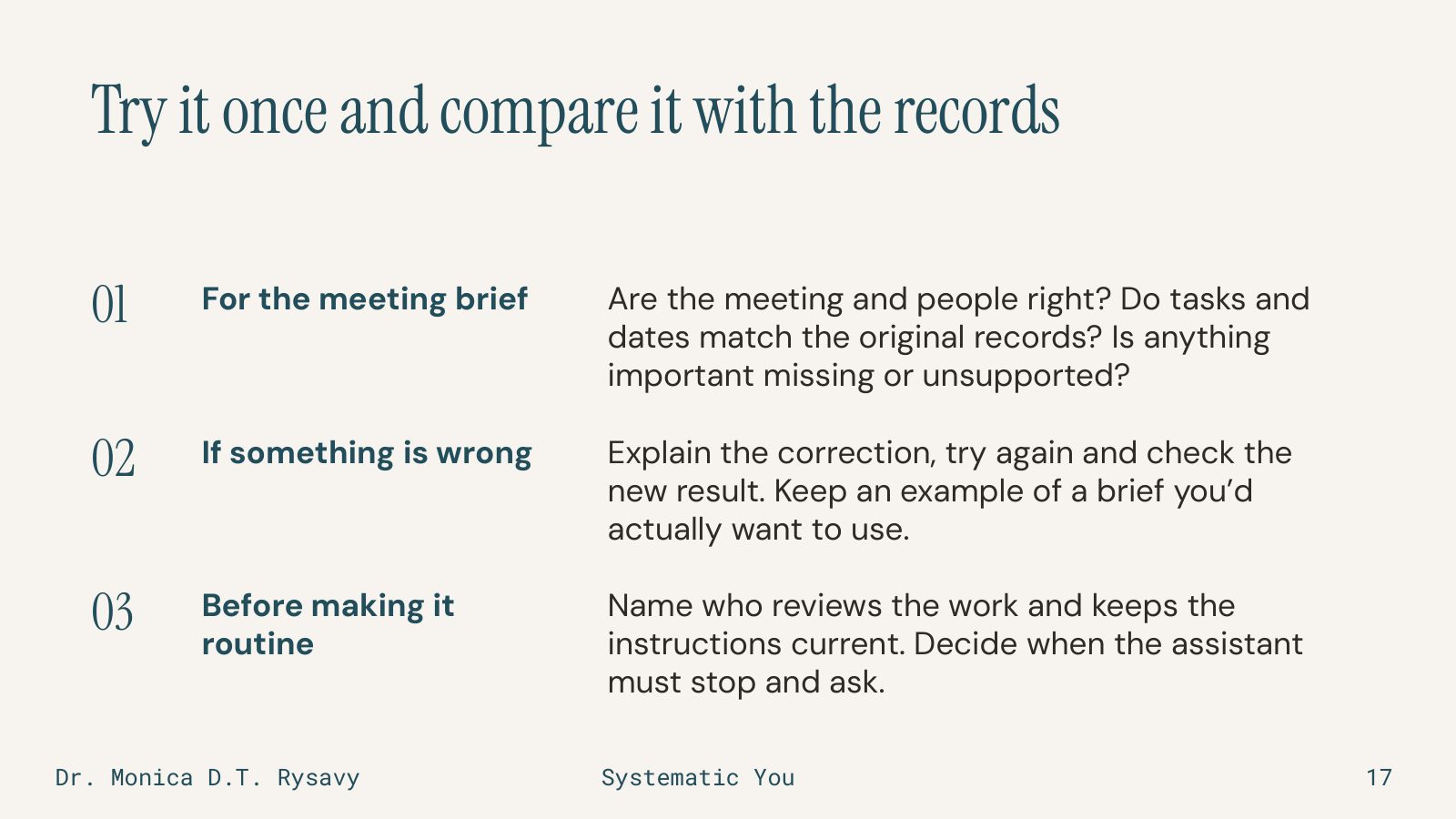
Put your meeting brief next to the calendar entry, notes and task records.

Are the meeting and people right? Do the tasks and dates match? Has it left out something important or included something the records don't support?

Imagine it assigns a due date to a task when the notes never gave one. I'd point out that specific problem: "The notes don't give a due date. Mark that as unknown and flag it as a question for the meeting."

Then I'd ask for another draft and compare it again. I'd keep an example of a brief I'd actually want to use.

Before making the work routine, decide who will review it and keep the instructions current. Also decide when it needs to stop and ask, such as when two records disagree.

That's the full first experiment: prepare something small, check it against the source and correct what needs changing.

Now work through yours.

Next slide: Choose one task, then work through the steps

Slide 18: Choose one task, then work through the steps
SLIDE 18 OF 21

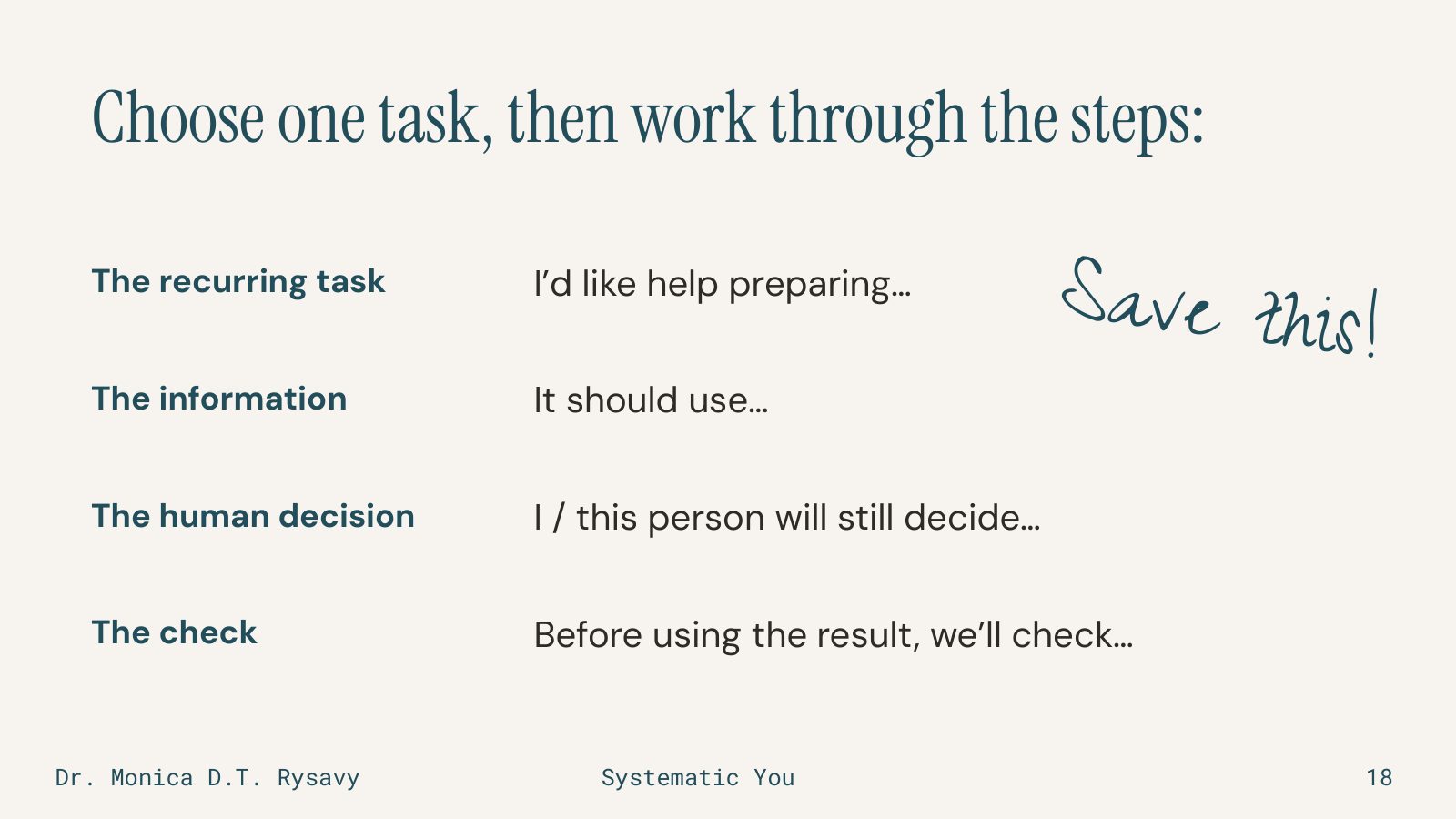
Choose one task, then work through the steps

Choose one recurring task you'd like help preparing. It can be something small. Meeting prep is fine if you don't have another idea yet.

Finish these four sentences: "I'd like help preparing…" "It should use…" "I or this person will still decide…" and "Before using the result, we'll check…"

Give yourself three minutes to write. Then ask yourself the questions I ask when I work through an example with someone:

"What do you do now, and what would you like to have ready?"
"Where would the assistant get that information?"
"What would you or someone on your team still need to decide?"
"How would you know the result was correct enough to use?"

If your task feels too broad, take one part of it. What's one thing you prepare repeatedly?

If you're not sure what your tool can do, you'd need to check whether it can do that with the access you're allowed to give it. You can still describe the information and result you need.

If nothing comes to mind, try a hypothetical weekly project update. It could use the current task records to draft a summary of open work. The project lead would check the status and dates, decide what needs discussion and review it before sharing. What would you add to that check?

Next slide: What concerns or questions do you still have?

Slide 19: What concerns or questions do you still have?
SLIDE 19 OF 21

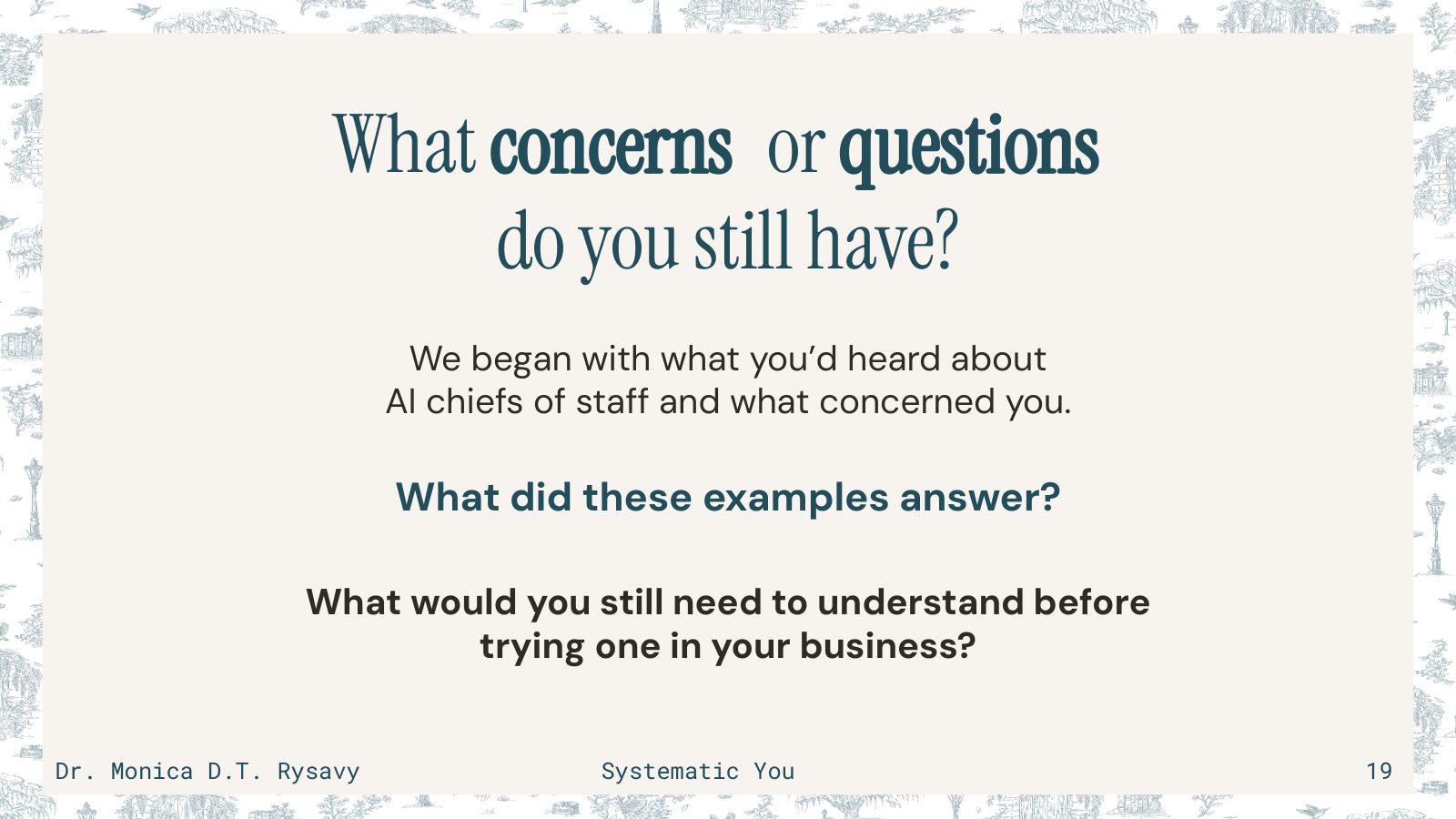
What concerns or questions do you still have?

At the beginning, I asked what you'd heard about AI chiefs of staff and what concerned you.

What did these examples answer? What would you still need to understand before trying the task you just wrote down?

People often ask me these three questions.

Can the assistant be trusted? I still compare important details with the original records. I start with work I know how to evaluate, keep a person responsible for the result and correct the instructions when I find a problem.

Which tool should I use? I'd start with the task and the information it needs. Then I'd check whether a tool you're allowed to use can prepare that result with appropriate access. My setup is one example.

What about a specific tool's privacy or data use? I'd want to check the current terms, settings and your organization's requirements before answering that. I wouldn't assume that information can go into a tool just because it accepts an upload.

Next slide: I prioritize work that needs me personally

Slide 20: I prioritize work that needs me personally
SLIDE 20 OF 21

I prioritize work that needs me personally

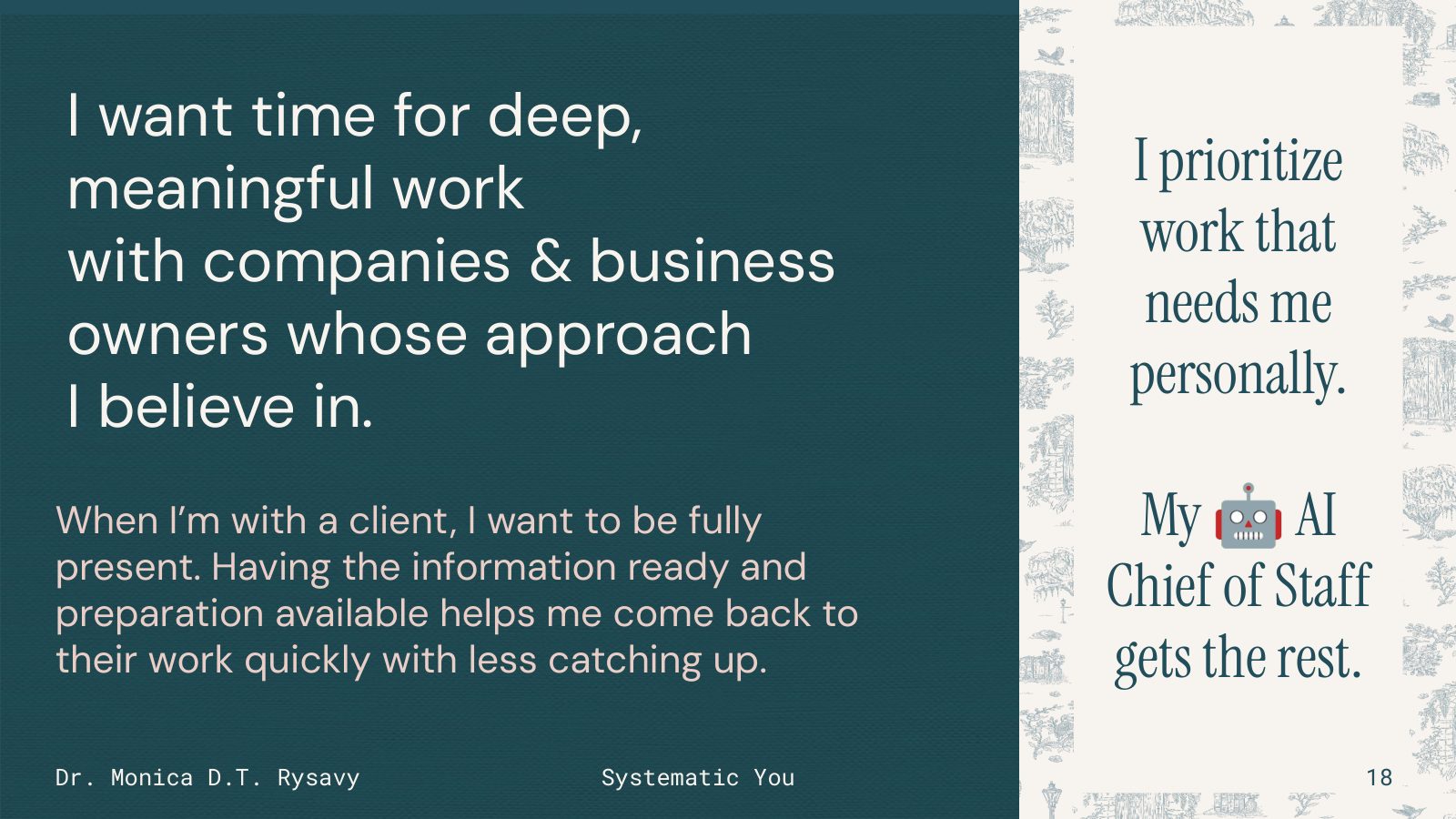
I want time for deep, meaningful work with companies and business owners whose approach I believe in.

When I'm with a client, I want to be fully present. Having the information and preparation available helps me come back to their work and use the conversation well.

That's why I keep developing this setup. I want it to help me do the work I care about, with my judgment and the client's expertise still involved.

Look at the task you wrote down. Add when you'll try it and who will review the result. If both jobs belong to you, put your own name there.

Start with that one task, using information you're permitted to use. Check what comes back. That will give you something concrete to learn from as you decide what to build next.

Thank you for working through this with me.

Next slide: Thanks for joining me

Slide 21: Thanks for joining me
SLIDE 21 OF 21

Thanks for joining me

There are no notes for this slide.

Would you rather use Google Slides? Open the presentation in a new window

The tools I use most

You don't need any of these to begin. I'd start with one task and the information it needs, then check whether a tool you're allowed to use can prepare that result. None of these are affiliate links.

AI assistant

Claude Code

About 80% of my AI chief of staff runs in Claude Code right now. I don't write code, and it's still the tool I prefer.

Visit Claude Code (opens in a new window)

Voice-to-text

Wispr Flow

I talk to Max throughout the day, and by talking I mean voice-to-text. For the most part, Wispr Flow is what I use for that.

Visit Wispr Flow (opens in a new window)

AI assistant

Codex from OpenAI

About 15% of my setup runs in Codex right now. I like tools, so that split changes.

Visit Codex from OpenAI (opens in a new window)

Records and notes

Notion

My meeting records live in Notion, each one connected to the person, the company and the engagement. My meeting preparation goes on that same record.

Visit Notion (opens in a new window)

For Ops Ahoy attendees · Open through Friday, September 25, 2026

Tell me about one problem, and I'll send you feedback

As a thank-you for attending, tell me about a systems or operations problem in your business where you've been thinking about using AI, but you haven't done it yet or you're not sure how. I'll read what you send and email you feedback within two weeks of when you send it in.

Please leave out confidential details and anything that identifies a client. It's two quick clicks and three questions. When you click Send, you'll see a short confirmation here, and I'll email you to say I have it.

From Farm to Database Table

This is my newsletter: one idea a week on ADHD, systems, and the business you built anyway. It arrives on most Sundays. You can sign up here if you didn't on the last page.

Unsubscribe whenever.